
A polished library of short business, software and soft-skills courses, free through many public libraries. Pay yearly if you'll study steadily, but look elsewhere for deep technical skills or recognized credentials.
- Catalog quality 25%7.5
- Learning experience 20%7.0
- Value for money 20%7.5
- Certificates and outcomes 15%5.0
- Apps and usability 10%8.0
- Support and refunds 10%6.0
- Free through many public libraries
- Large, professionally produced catalog
- Short videos that fit a workday
- Certificates link to your LinkedIn profile
- Offline downloads in the app
- Limited depth on advanced technical topics
- Some courses use outdated software
- Certificates aren't accredited
- Monthly billing is expensive for light users
On this page
- What Is LinkedIn Learning?
- What Taking a Course Is Like
- LinkedIn Learning Pricing in 2026
- How to Get LinkedIn Learning Free Through Your Library
- Are LinkedIn Learning Certificates Worth Anything?
- Which LinkedIn Learning Topics Are Strongest?
- Using LinkedIn Learning Through Your Employer
- LinkedIn Learning Pros and Cons
- LinkedIn Learning vs Coursera, Udemy and Skillshare
- Who Should Use LinkedIn Learning?
- How to Get Your Money’s Worth
- LinkedIn Learning Review FAQs
- Bottom Line on LinkedIn Learning
Before you read the rest of this LinkedIn Learning review, check your public library’s website. Many US libraries give card holders LinkedIn Learning for free, which changes the value question completely. If yours doesn’t, you’ll pay through a LinkedIn Premium plan, which runs about $40 a month with a lower monthly rate on yearly billing. It’s a good fit for working professionals who want short, polished courses on business, software and soft skills. It’s a weaker choice for deep technical training or credentials that employers treat as qualifications.
- LinkedIn doesn’t sell a standalone individual Learning plan. According to LinkedIn Help, the closest option is LinkedIn Premium Career, which includes LinkedIn Learning.
- New subscribers get a one-month free trial.
- Premium Career costs about $40 a month in the US, and yearly billing works out cheaper per month. Check LinkedIn’s Premium page for the current price before you subscribe.
- The library has more than 20,000 courses taught by industry practitioners.
- Finished courses add a certificate to your profile automatically, though no school or accrediting body backs it.
What Is LinkedIn Learning?
LinkedIn Learning is LinkedIn’s video course library. It grew out of Lynda.com, which LinkedIn bought in 2015 and later folded into its own brand. Today it sits inside the LinkedIn ecosystem, which is both its biggest advantage and the reason many people try it.
The catalog covers three broad areas:
- Business: leadership, management, marketing, sales, finance and project management.
- Technology: software development, data, IT, cloud, cybersecurity and AI tools.
- Creative: design, photography, video and audio, including popular software like Adobe apps and Excel.
LinkedIn’s own Learning page lists about 26,600 courses and more than 3,900 instructors, so it’s one of the largest libraries you can get on a single subscription.
What Taking a Course Is Like
Most courses are made up of short videos, often two to six minutes each, grouped into chapters. A full course usually runs from under an hour to a few hours. Many include exercise files, chapter quizzes and a final assessment, and some include hands-on coding exercises or practice environments for technical topics.
Production quality is consistent. LinkedIn commissions and produces its courses with chosen instructors rather than letting anyone upload, so you won’t find the shaky webcam videos that show up on open marketplaces. The trade-off is that the style can feel corporate and a bit dry, and some older courses use outdated software versions.
A few other features make the subscription easier to use:
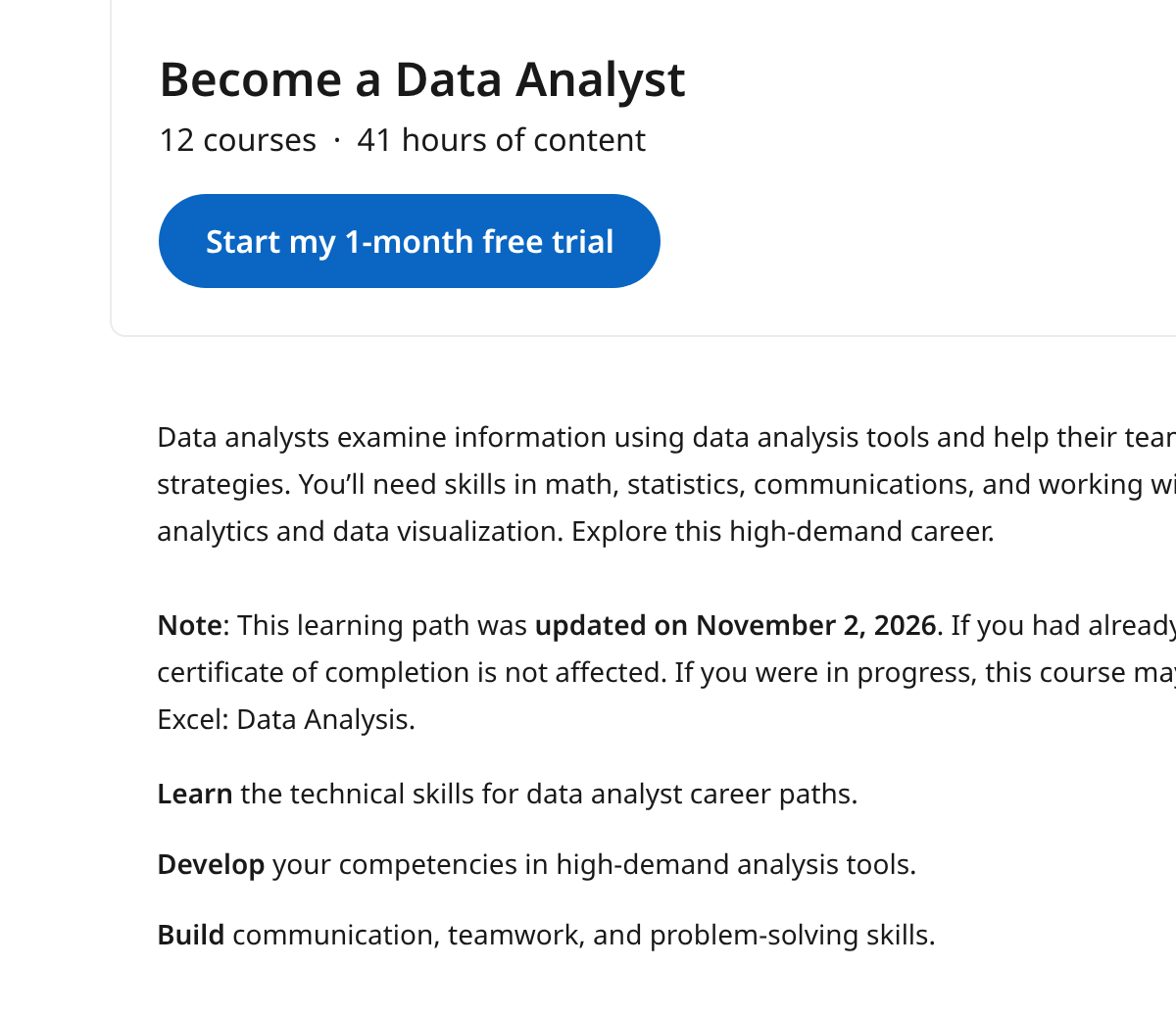
- Learning paths bundle several courses around a role or skill, such as becoming a project manager or a data analyst.
- Offline viewing in the mobile app lets you download videos for flights and commutes.
- Recommendations are based on your LinkedIn profile, job title and the skills you list.
- Subtitles and transcripts are available in many languages, and part of the catalog is produced in languages other than English.
LinkedIn Learning Pricing in 2026
There are several ways to pay for access, and the cheapest one isn’t obvious. Here’s how the options compare over a full year. Premium figures are approximate, so confirm the current price on LinkedIn’s Premium page:
| How you get access | Cost for 12 months | What else you get |
|---|---|---|
| Public library card (where offered) | $0 | Course access only, usually without profile certificates |
| Free trial, then cancel | $0 for one month | Full access for 30 days |
| Premium Career, yearly billing | Roughly half the monthly total | Learning plus Premium job-search features |
| Premium Career, monthly billing | About $480 | Learning access plus Premium job-search features |
The math points to a clear rule. If you’ll study all year, yearly billing is the better deal, because it costs far less per month than paying monthly. If you only need a few months, pay monthly and cancel when you’re done. Either way, you also get LinkedIn’s job-search perks.
Companies can also buy team licenses, and many employers already provide LinkedIn Learning through work. Check with your HR or training team before paying out of pocket.
How to Get LinkedIn Learning Free Through Your Library
Library access is the most overlooked part of LinkedIn Learning. Many public libraries in the US, Canada, the UK and Australia pay for access so their members don’t have to.
- Open your library’s online catalog or its e-resources page and look for LinkedIn Learning in the database list.
- Sign in through the library’s link using your card number and PIN.
- Start courses right away, with no payment details needed.
Library logins usually aren’t connected to your LinkedIn profile, so finished courses may not show up as certificates there. If the badge on your profile matters to you, a paid plan is the way to get it. If the skills are what you’re after, the library route is hard to beat.
Are LinkedIn Learning Certificates Worth Anything?
When you finish a course on a paid plan, LinkedIn issues a certificate of completion that you can add to your profile with one click. That’s handy, because recruiters already see your profile. But the certificate shows that you watched a course and passed its quizzes. It isn’t accredited, and it carries far less weight than a degree or a professional certification.
Where LinkedIn Learning does help with credentials is exam preparation. The platform partners with dozens of organizations, including the Project Management Institute, offers more than 2,000 certification-prep courses, and has some courses that award continuing education units. If you need CEUs or PDUs for a license or certification you already hold, check the course page for eligibility before you start.
The best way to use the certificates is as proof of steady learning, paired with projects or results you can point to at work.
Which LinkedIn Learning Topics Are Strongest?
Quality isn’t even across the catalog. Based on what learner reviews and comparison sites consistently praise and criticize, here’s where the library tends to be strong and where it’s thin.
| Topic area | How it holds up | Good for |
|---|---|---|
| Microsoft Excel and Office | Very strong, from beginner basics to advanced formulas and Power Query | Analysts, admins and anyone who lives in spreadsheets |
| Leadership and management | Strong, with short, practical courses on feedback, delegation and hiring | New managers and team leads |
| Project management | Strong, including exam prep built with PMI | People working toward the PMP or CAPM |
| Creative software | Good coverage of design, video and photo tools | Marketers and content creators |
| Programming and data science | Broad but shallow, mostly video with limited practice | Overviews and refreshers, not full career training |
| AI tools | Growing quickly, focused on using tools at work | Professionals adding AI to daily tasks |
If most of what you want to learn sits in the top four rows, the subscription will likely pay for itself. If it sits in the bottom two, treat LinkedIn Learning as a supplement to a more hands-on platform.
Using LinkedIn Learning Through Your Employer
Many companies buy LinkedIn Learning for their staff, often without announcing it widely. If yours does, you’ll usually sign in through a company link and connect it to your personal LinkedIn account.
A few things work differently on a company license. Your manager or learning team may assign courses and see your progress. Some organizations also add their own internal training to the library. If you link your personal profile, certificates from courses you finish can still appear there.
Before you buy a personal plan, send one short message to HR. It could save you a few hundred dollars a year.
LinkedIn Learning Pros and Cons
Where it shines
- Free through many public libraries
- Large, professionally produced catalog
- Short videos that fit into a workday
- Certificates link straight to your LinkedIn profile
- Offline downloads in the mobile app
Where it falls short
- Limited depth on advanced technical topics
- Some courses use outdated software versions
- Certificates aren’t accredited
- Monthly billing is expensive for light users
- Less hands-on practice than coding or data platforms
LinkedIn Learning vs Coursera, Udemy and Skillshare
| Platform | How you pay | Strongest at | Choose it over LinkedIn Learning if |
|---|---|---|---|
| Coursera | Coursera Plus or individual programs | Certificates backed by universities and big tech firms | A recognizable credential is the goal |
| Udemy | Per course, often on sale | Huge range of niche and technical topics | You need one specific skill cheaply |
| Skillshare | Subscription | Creative and hands-on projects | You’re learning design, illustration or video for fun |
| LinkedIn Learning | Subscription or free via library | Business, office software and soft skills | None of the above apply |
Who Should Use LinkedIn Learning?
Your library offers it
Use it free. There’s little reason to pay unless you want profile certificates.
You’re a manager or office professional building skills
LinkedIn Learning’s business and software courses fit you well.
You’re job hunting
Premium Career gives you courses plus job-search tools for about $40 a month.
You’re training to become a developer or data scientist
Codecademy or DataCamp give you much more hands-on practice.
You need a recognized certificate
Coursera’s industry-branded professional certificates carry more weight with hiring managers.
How to Get Your Money’s Worth
- Use the free month with a plan. Pick one learning path before you start the trial so the month isn’t spent browsing.
- Watch at 1.25x or 1.5x speed. Most instructors speak slowly enough that this saves real time.
- Download the exercise files. Following along in the actual software is what makes the lessons stick.
- Set a reminder before renewal. Annual plans renew automatically, so decide each year whether you’re still using it.
LinkedIn Learning Review FAQs
Should I pay for LinkedIn Learning?
Pay only if your library or employer can’t give it to you free and you’ll study steadily on yearly billing. Occasional learners paying monthly usually get better value from single courses on Udemy.
Is LinkedIn Learning free with LinkedIn Premium?
Yes. Premium Career and Premium Business both include full LinkedIn Learning access.
How long is the LinkedIn Learning free trial?
New subscribers get one month free. You’ll be charged when it ends unless you cancel in your account settings first.
Do employers value LinkedIn Learning certificates?
They show initiative, but they aren’t accredited. Employers care more about what you can do, so pair certificates with real work examples.
Can I use LinkedIn Learning offline?
Yes. The mobile app lets you download course videos to watch without an internet connection.
How do I cancel LinkedIn Learning?
Go to your account settings, find Learning under your account type, choose Manage and then Cancel Subscription. Access continues until the end of the period you’ve paid for. Do this before the free month ends if you don’t want to be charged.
Is LinkedIn Learning the same as Lynda.com?
Yes, in practice. LinkedIn bought Lynda.com in 2015 and moved its course library onto LinkedIn Learning. Many of the original Lynda courses and instructors are still there, alongside thousands of newer courses.
How many courses does LinkedIn Learning have?
Recent counts range from about 21,000 to more than 26,000 courses, depending on the source and date. New courses are added every week, especially on AI and software tools.
Bottom Line on LinkedIn Learning
LinkedIn Learning is a polished, practical library for professionals, and it’s a bargain if your library or employer covers it. If you’re paying yourself, Premium Career on yearly billing gives the best value for steady learning. For deep technical skills or recognized credentials, other platforms do a better job.
You reached the last module. 3 in 100 do.
Keep going in Learning Platforms:
TopicLearning Platforms